
Why Is After Effects So Slow? Skip the $4,000 Workstation with Cloud Motion Video
If you have ever typed “Why is After Effects rendering so slow?” or “Why is RAM preview stuttering?” into Google, you are part of a massive club.
It is the single most common frustration in the entire video creation industry.
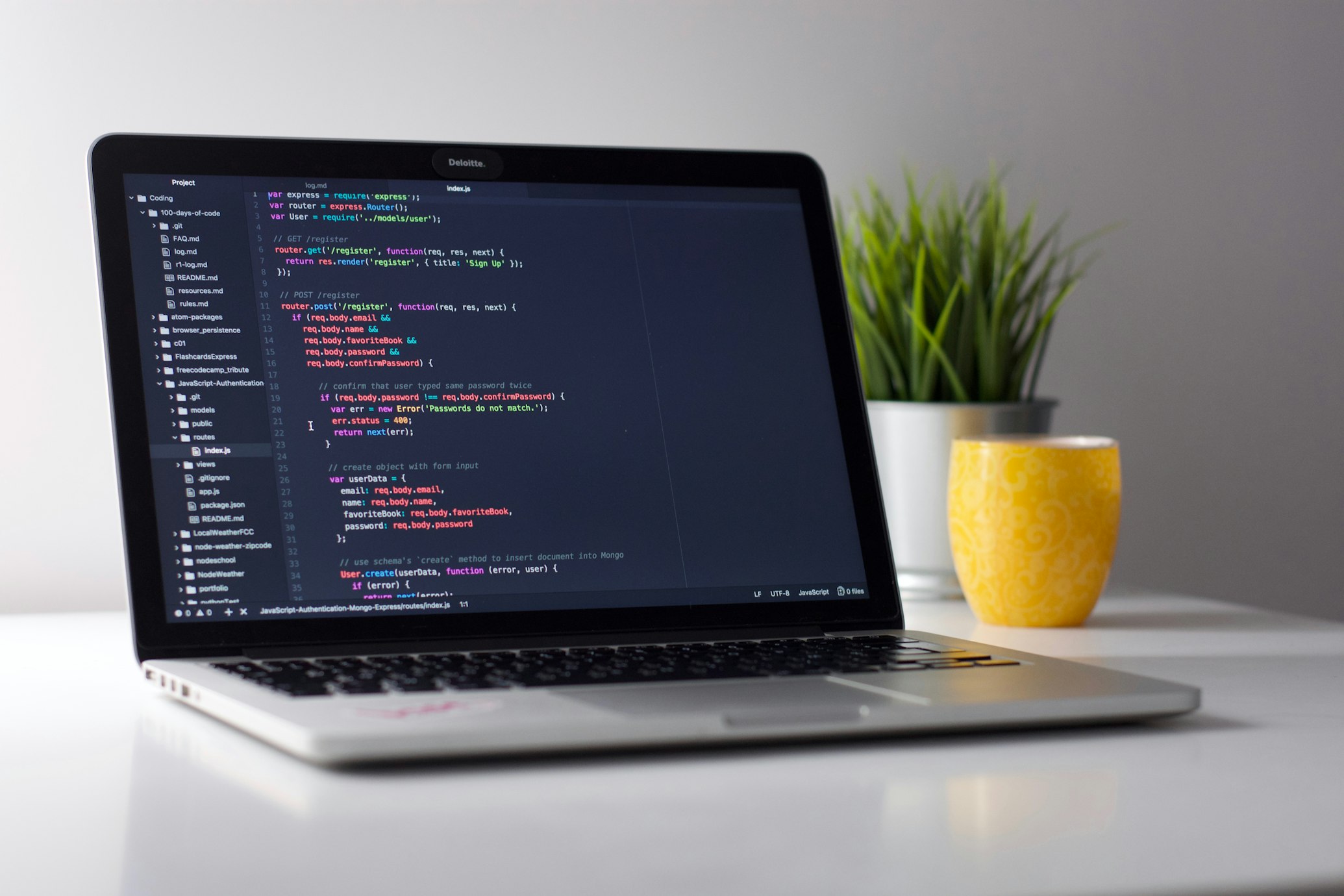
You sit down with a standard work laptop—a MacBook Air, a Dell XPS, or a corporate ThinkPad—to make a simple 45-second product teaser or conference display loop. You open a professional timeline editor, press the spacebar to preview your animation, and are immediately met with:
- The Jet Engine Fan: Your laptop fans spin up to maximum RPM within 15 seconds.
- The Dreaded Stutter: The playback stumbles through two frames, pauses for 4 seconds to cache, and displays “RAM Preview needs 2 or more frames to playback”.
- The Export Black Hole: When you finally hit render, Adobe Media Encoder monopolizes 100% of your CPU and RAM for 30 minutes, turning your computer into a glowing paperweight.
For decades, getting broadcast-quality motion graphics required a $4,000 liquid-cooled workstation with 64GB+ of dedicated RAM and an expensive discrete GPU.
Today, that entire hardware barrier is obsolete. Here is why traditional desktop motion design is so painfully slow, and how cloud-native video creation allows anyone to produce studio-grade motion graphics on an everyday browser.
🛑 Why Desktop Motion Editors Choke Your Computer
To understand why traditional tools like Adobe After Effects crawl on standard computers, you have to understand their underlying 1990s architecture:
1. Uncompressed Frame-by-Frame Rasterization
When you animate a headline sliding across the screen in After Effects, the software does not simply move text. It calculates every single pixel on the canvas for every single frame (60 frames per second), uncompressed in raw bitmap memory. A 10-second 4K sequence can devour 15 to 30 Gigabytes of RAM in seconds just to display a rough preview.
2. The Local Hardware Bottleneck
If your computer runs out of RAM during a preview, it resorts to “disk paging”—writing temporary frame caches to your local hard drive. This causes your entire operating system to freeze, lagging your Slack, browser tabs, and background apps.
3. The Re-Render Tax on Every Small Edit
Did your marketing lead spot a typo in the headline? In traditional local workflows, fixing that one word means:
- Opening the multi-gigabyte project file.
- Purging the corrupted RAM cache.
- Waiting for the entire 10-minute export to re-encode on your local GPU.
⚡ The Solution: Lightweight Web Vectors + Enterprise Cloud RAM
At Onvidio, we re-architected motion design from the ground up for the modern cloud era.
Instead of forcing your personal laptop to perform heavy raster calculations, Onvidio separates the creative workflow into two ultra-fast cloud-native stages:
Instant Browser Vector Editing
Zero lag, 60fps real-time vector playback on any laptop or tablet. Zero RAM caching, zero fan noise, and zero battery drain.
Enterprise Cloud RAM Clusters
Massive multi-core cloud instances render your 4K export in seconds without monopolizing your local computer.
1. Instant Real-Time Vector Playback in Your Browser
When you adjust text, change layout themes, or tweak data metrics in Onvidio, you aren’t waiting for frame-by-frame raster previews. The presentation renders in real time as lightweight web-native vector scenes.
Your laptop stays completely cool, your battery lasts all day, and you can preview complex kinetic typography and beat-synced animations with zero buffering.
2. High-Performance Cloud RAM Clusters on Export
When you’re ready to export your presentation as a high-bitrate HD or 4K MP4, you don’t tie up your local machine.
Onvidio offloads the rendering pipeline to high-memory cloud server clusters. Our cloud infrastructure utilizes dedicated multi-core CPUs and gigabytes of enterprise RAM to parallelize frame generation, delivering your finished video file in seconds while you move on to other work.
3. Zero-Install, Zero-Render Web Sharing
Need to show an executive or client the presentation right now? You don’t even need to wait for an MP4 to download and upload to Google Drive. Every Onvidio deck generates an interactive, responsive web presenter link that can be viewed instantly on any phone, tablet, or conference room display.
🥊 Local Workstation vs. Onvidio Cloud Motion
| Capability | Adobe After Effects / Local NLE | Onvidio Cloud Motion |
|---|---|---|
| Minimum Hardware | $2,500–$4,000 workstation with 32GB–64GB RAM | Any basic laptop, Chromebook, or iPad |
| Preview Speed | ⏱️ Slow (requires manual RAM caching per frame) | ⚡ Instant 60fps real-time vector playback |
| Local CPU/Fan Impact | 🔴 100% CPU usage, battery drain, fan noise | 🟢 Zero fan noise, minimal battery usage |
| Cloud Export Power | ❌ None (locked to your local computer’s GPU) | 🚀 Distributed high-RAM cloud rendering |
| Typo Turnaround | ⏳ 15–30 min re-render and re-upload | ⚡ 10 seconds (instant web update) |
| File Sharing | 📁 500MB–2GB raw video files via Dropbox/Drive | 🔗 Instant interactive web link or crisp MP4 |
Desktop Rendering vs. Cloud Motion: Which Do You Need?
Choose the right infrastructure based on your project goals and deadlines.
Hollywood VFX & Custom 3D Character Rigs
You are a full-time motion animator building custom frame-by-frame 3D character rigs, cinematic visual effects, or compositing green-screen film footage.
Fast Business Decks, LinkedIn Video & Event Screens
You are a business professional, founder, or marketer who needs high-impact kinetic typography, event screen loops, and product teasers delivered immediately without hardware lag.
🚀 Create Studio-Grade Video from Any Laptop
You shouldn’t need a degree in computer engineering or a multi-thousand-dollar desktop rig just to create engaging motion graphics for your business.
With Onvidio, professional art direction, kinetic typography, and heavy rendering compute live entirely in the cloud. Type your outline, preview in real time, and let our high-powered cloud infrastructure deliver broadcast-quality video in under a minute.
Related Reading in This Series
- 📖 Onvidio vs. After Effects & Premiere: Studio Motion Graphics Without the Timeline Tax
- 📖 The B2B Video Dilemma: How to Get 5x Social Reach Without the “AI Slop” Cringe
- 📖 Onvidio Release 1.5.1: Lightning-Fast Video Delivery & Instant Web Playback

Explore market shifts and future AI video production trends
Discover how generative AI, dynamic voice casting, and automated storyboarding are redefining digital communications and video marketing.
Get Onvidio Free